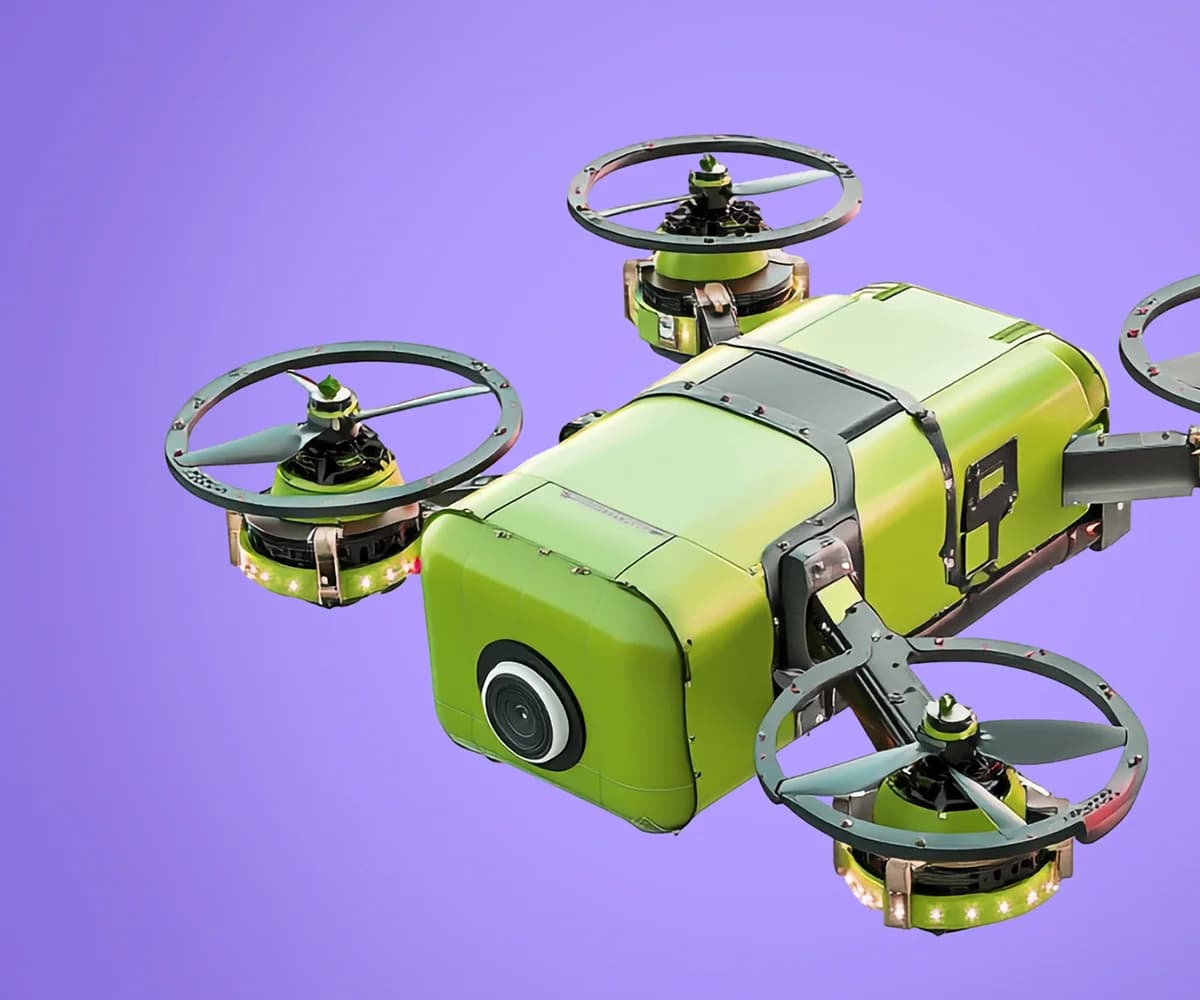
The creative landscape has been fundamentally transformed by AI image generation. What once required years of design training, expensive software, and hours of work can now be accomplished in seconds with the right prompt. But creating truly professional-quality images with AI is both an art and a science—and this guide will teach you both.
Why AI Image Generation Matters
AI image generation has democratized visual content creation in unprecedented ways. Small businesses can now create professional marketing materials without hiring designers. Content creators can generate unique visuals for every post. Product teams can visualize concepts before investing in photography or design work.
The technology isn't about replacing human creativity—it's about amplifying it. The best AI-generated images come from creators who understand both their medium and the technology, using prompts as a new form of creative direction.
Understanding AI Image Generation Technology
KUVIA uses state-of-the-art diffusion models that have been trained on millions of high-quality images paired with descriptive text. When you provide a prompt, the AI starts with random noise and gradually refines it into an image that matches your description.
Key Capabilities
Style Versatility: From photorealistic to abstract, cartoon to hyperrealistic, vintage to futuristic
Composition Control: Specify camera angles, lighting, framing, and perspective
High Resolution: Generate images up to 4K resolution suitable for print and professional use
Iteration and Refinement: Generate multiple variations and refine your favorites
Mastering Prompt Engineering for Images
The prompt is your creative direction to the AI. A well-crafted prompt produces professional results; a vague prompt yields unpredictable outputs. Here's how to write prompts that consistently deliver:
The Anatomy of a Great Prompt
Effective prompts typically include five key components:
Subject: What is the primary focus? (e.g., "a professional businesswoman")
Action/Pose: What is happening? (e.g., "presenting to a team")
Environment/Background: Where is it taking place? (e.g., "in a modern glass-walled office")
Artistic Style: What's the visual aesthetic? (e.g., "corporate photography style")
Technical Details: Camera, lighting, quality specifications (e.g., "professional lighting, shallow depth of field, 4K")
Example Prompts by Use Case
Marketing/Product Photography:
"Luxury smartwatch on marble surface, studio lighting, product photography, minimalist composition, reflections, high-end advertisement style, 4K resolution, commercial quality"
Social Media Content:
"Cozy coffee shop scene, warm lighting, laptop and notebook on wooden table, shallow depth of field, Instagram aesthetic, natural light, inviting atmosphere, lifestyle photography"
Blog/Article Headers:
"Abstract representation of artificial intelligence, neural network patterns, blue and purple gradient, futuristic, digital art, clean geometric shapes, tech blog header, wide format"
Concept Art/Creative:
"Cyberpunk city street at night, neon signs reflecting in puddles, rain, cinematic composition, dramatic lighting, highly detailed, concept art style, vibrant colors, street level perspective"
Advanced Techniques for Professional Results
Style Keywords That Transform Your Images
Certain keywords dramatically influence output quality and aesthetic. Master these to level up your results:
For Realism: "photorealistic," "8K resolution," "professional photography," "DSLR," "bokeh," "natural lighting," "highly detailed"
For Artistic Styles: "oil painting," "watercolor," "digital art," "concept art," "minimalist," "art nouveau," "impressionist"
For Lighting: "golden hour," "studio lighting," "dramatic shadows," "backlit," "rim lighting," "volumetric light," "soft diffused light"
For Composition: "rule of thirds," "symmetrical," "wide angle," "close-up," "aerial view," "low angle," "cinematic composition"
Using Negative Prompts
Negative prompts tell the AI what to avoid. This is crucial for maintaining professional quality. Common negative prompts include:
"blurry, low quality, distorted, amateur, watermark, text, deformed, artifacts, oversaturated, unrealistic proportions"
Iteration Strategy
Professional AI artists rarely get perfect results on the first try. Instead, they:
Generate 4-6 variations of their initial prompt
Identify the best result and analyze what worked
Refine the prompt based on successful elements
Generate additional variations with the improved prompt
Repeat until achieving the desired result
Practical Applications and Workflows
Social Media Marketing
Create cohesive brand visuals across platforms without a photography budget. Generate variations of the same concept to A/B test performance. Produce seasonal content months in advance.
Pro tip: Develop a style guide with specific keywords that match your brand aesthetic, then reuse these across all image generations for consistency.
E-commerce and Product Visualization
Generate lifestyle images showing products in context. Create packaging mockups and product variations without physical prototypes. Produce seasonal or holiday-themed product imagery.
Content Creation
Bloggers and publishers use AI-generated images for article headers, thumbnails, and illustrations. This solves both licensing concerns and the challenge of finding exactly the right stock photo.
Design and Ideation
Designers use AI generation for rapid prototyping, mood boards, and client presentations. Generate dozens of concepts in the time it would take to sketch one, then refine the winners traditionally.
The KUVIA Image Generation Workflow
Step 1: Define Your Vision
Before opening KUVIA, clearly articulate what you need. Write down your prompt components, gather reference images for inspiration, and consider your end use case.
Step 2: Configure Generation Settings
In the KUVIA Image Generation Playground, select your:
Aspect Ratio: Square (1:1), Portrait (3:4), Landscape (16:9), or Custom
Quality Level: Draft (fast testing), Standard (most use cases), or Premium (maximum detail)
Number of Variations: 1-4 simultaneous generations
Step 3: Input Your Prompt
Enter your detailed prompt and negative prompts. KUVIA provides real-time suggestions as you type, helping refine your description for better results.
Step 4: Generate and Evaluate
Generation typically completes in 10-30 seconds depending on quality settings. Evaluate your results critically—does it match your vision? What elements work well? What needs adjustment?
Step 5: Refine and Download
Select your best result and generate variations if needed. Download in your preferred format (PNG for transparency, JPG for smaller files, or WebP for web optimization).
Understanding Quality and Credits
Image generation on KUVIA uses a credit-based system. Your monthly credit allocation depends on your subscription plan:
Free Tier: 1 image generation per month (testing purposes)
Pro Plan: 50 image generations per month
Enterprise: 200+ generations with custom limits available
Premium quality settings use more credits per generation. Monitor usage in your Profile to plan accordingly.
Common Mistakes to Avoid
Vague Prompts: "Nice picture" won't get good results. Be specific.
Conflicting Instructions: Asking for both "minimalist" and "highly detailed" confuses the AI
Ignoring Aspect Ratio: Square images stretched to landscape look unprofessional
Not Iterating: The first result is rarely the best. Generate variations.
Overly Complex Scenes: Simple compositions often look more professional
Legal and Ethical Considerations
Images generated with KUVIA are yours to use commercially. However, exercise good judgment:
Don't attempt to recreate copyrighted characters or brands
Be transparent when images are AI-generated if context requires it
Avoid generating misleading imagery, especially for news or journalism
Respect cultural sensitivities and avoid stereotyping
Start Creating Today
AI image generation has lowered the barriers to professional visual content creation, but mastery still requires practice and understanding. The techniques in this guide will accelerate your learning curve, but your best teacher will be experimentation.
Start with simple prompts and gradually increase complexity. Save your successful prompts and build a personal library of what works. Join the KUVIA community to share techniques and learn from other creators.
Ready to create stunning visuals? Head to the KUVIA Image Generation Playground and bring your imagination to life.